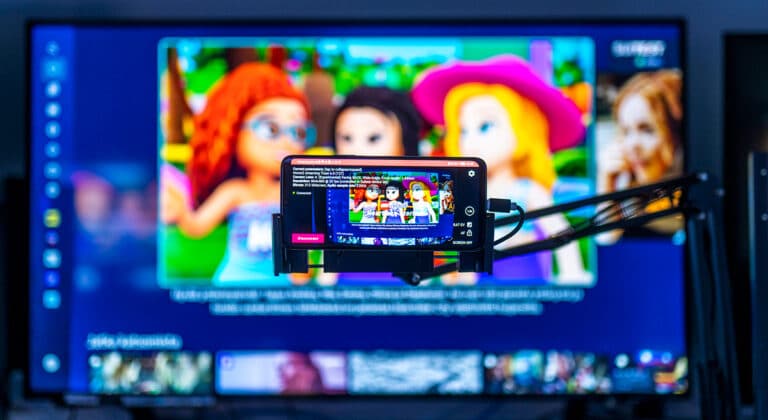
The complexity of Smart TV app testing is often underestimated. Compared to mobile and web, the Smart TV ecosystem is especially fragmented. People use a wide variety of different devices from different manufacturers, running different operating systems from different device generations. This variety shows up quickly when testing.
That fragmentation is exactly why a good Smart TV device lab is not just a nice-to-have for quality assurance: it makes releases more predictable, reduces production surprises and confirms that the app works on the exact devices people have at home.
This article walks through the key ingredients of a Smart TV device lab designed for real-world use. A proper device lab is essential for catching issues early, before they show up as churn, support tickets or bad user reviews.
Why Smart TV testing needs real devices
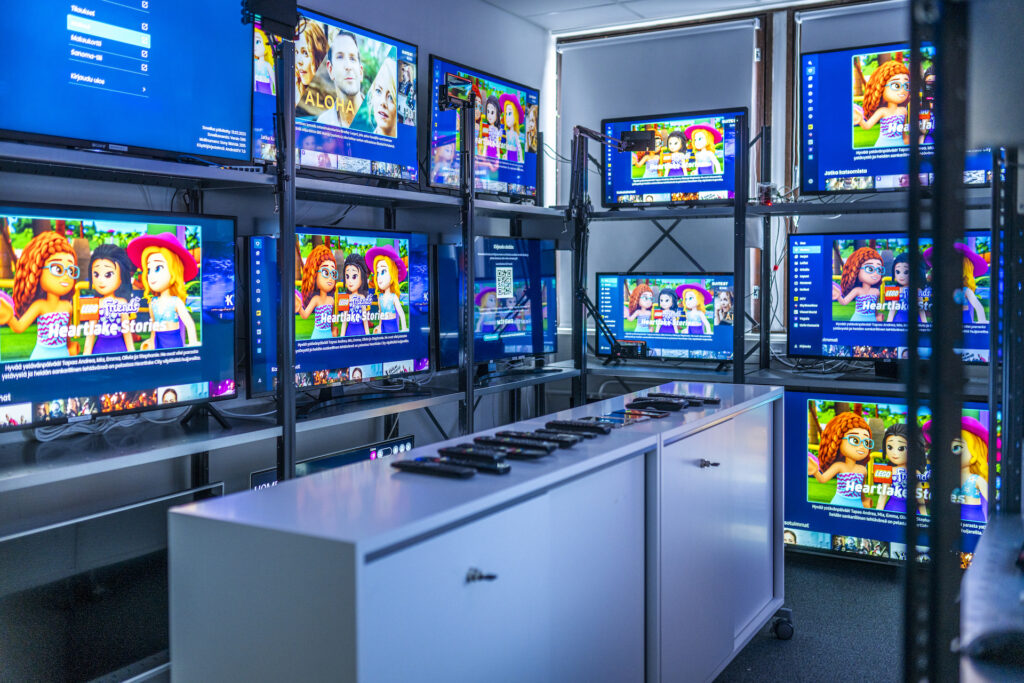
Smart TV testing is complex because performance and platform behavior vary significantly across brands, operating systems and generations. Even if your app runs smoothly on one model, there is no guarantee it behaves the same way on another.
Emulators and one physical TV device can help you get started, but rarely expose the issues that users run into with daily usage. Many problems only appear on certain physical devices, especially in realistic usage situations where the hardware is less performant, memory is limited and the platform behaves differently than expected. Video playback may work fine on one device and completely fail on another.
In practice, testing with a wide array of real devices is often the only reliable way to verify the experience across devices and to catch a wide range of problems, memory leaks, UI lag, codec support and DRM validation.
Device coverage is the foundation
A good Smart TV device lab is built around one thing: coverage.
High-quality testing is not about having the newest and most expensive TVs. It is about covering the right mix of devices. That mix should represent how your real audience watches content: the manufacturers they use, the operating systems that are common in your target market and the device generations that are still in active use.
This is also where most teams hit practical limitations. Building coverage is not just a budget question, it is an availability question. Many older models are difficult or even impossible to purchase anymore, and sourcing second-hand devices is often unreliable and time-consuming.
A good smart tv device lab includes older and lower-end models
Viewers do not replace their televisions frequently. Even when new models are released every year, older devices remain in use for a long time, even for 7–8 years or more.
This is one of the main reasons why older and lower-end TVs matter in testing. They are often the ones that reveal issues that newer devices hide. A feature that feels smooth on a modern high-end device may lag, crash or behave unexpectedly on a less capable model.
If you want to reduce risk, improve stability and avoid late surprises, these devices are not optional. They are part of real-world coverage.
Remote access turns a physical lab into a shared resource
A physical Smart TV lab is useful, but remote access is what makes it scalable.
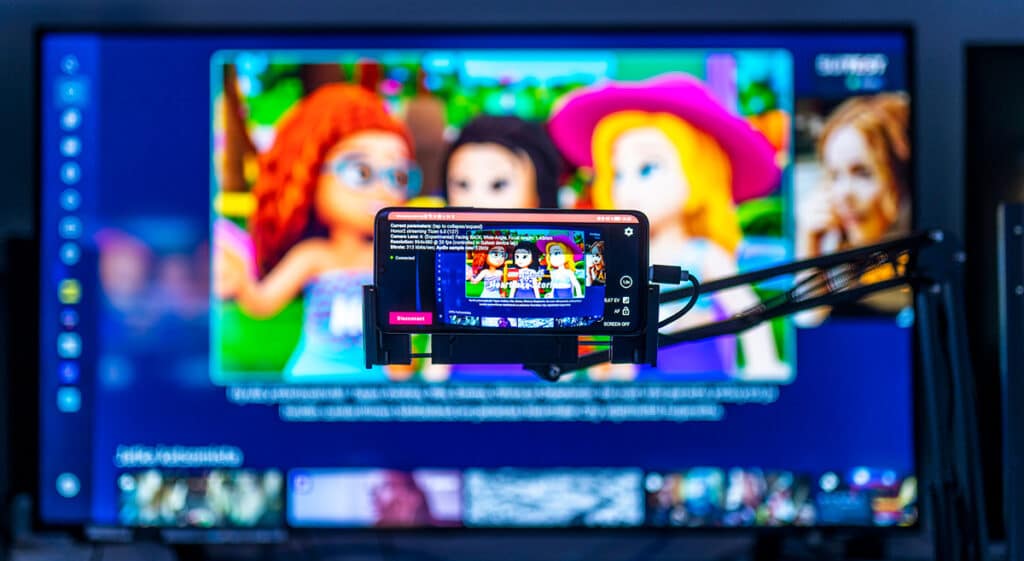
Remote testing allows development teams, QA specialists and even customers to access real devices without being in the same location. That matters in modern projects where teams are distributed and schedules are tight.
Remote access turns a physical lab into a shared resource instead of a bottleneck.
Rather than waiting for “someone in the office” to test something, the lab becomes available whenever it is needed. This shortens feedback loops and makes testing part of everyday work, not something that only happens at the end.
Maintaining a smart tv device lab requires ongoing effort
Buying devices is only the start. The real work begins when you try to keep the lab reliable and relevant.
A functioning lab requires more than just televisions on a shelf. A real lab also includes the equipment that enable remote access and test automation. That can mean streaming devices, IR control, smart plugs and other supporting tools that make the setup usable in day-to-day work.
On top of that, there are updates, broken devices, platform changes and the constant need to keep older models available. If the lab is not maintained, its value drops quickly.
The real cost is not buying devices but keeping the lab relevant.
Why building your own smart tv device lab rarely scales?
Many teams start with good intentions: one or two devices, a small space and a simple setup. That may work for a while, but it often becomes difficult to scale. There are many things to cover: network infrastructure, power management, device inventory and update management.
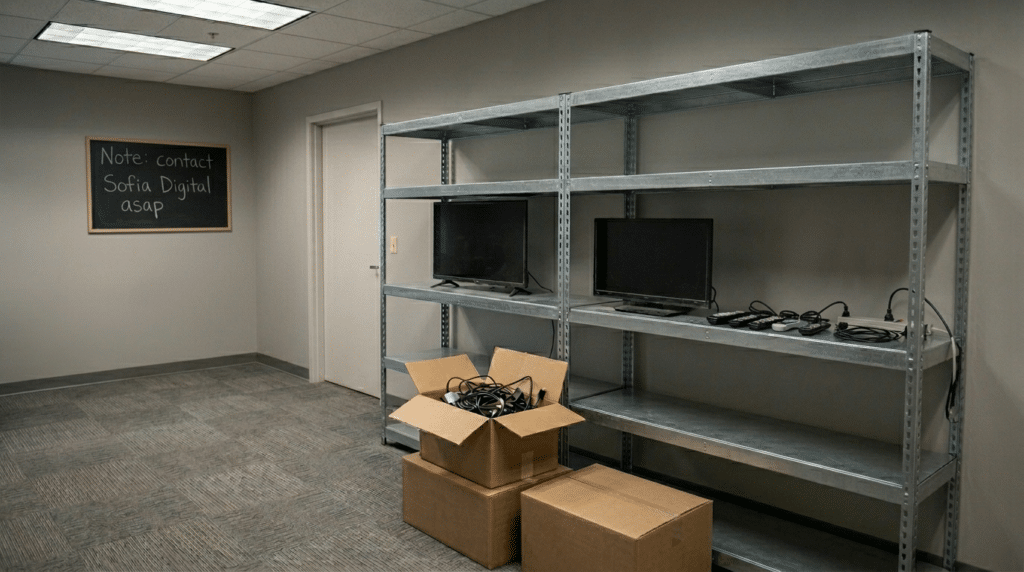
A private lab tends to be underused between projects, and maintaining it becomes a side job that takes time away from core product work. When you need more coverage, expanding becomes slow and expensive, especially if the missing devices are older models that are hard to source. Also, space limitations become a real problem when dealing with big amount of TV screens.
This is why building your own lab rarely scales in a predictable way. The effort grows over time, while the actual usage may stay uneven.
Smart TV device lab as a service
A shared lab gives access to broad coverage and real devices without long-term overhead. It can be used when needed and scaled based on the project phase, platform scope or testing intensity.
This model keeps costs predictable and avoids consuming time, budget and space into something that is difficult to maintain internally.
Who benefits most from a shared smart tv device lab?
A shared Smart TV device lab is especially useful for teams who:
- develop apps for multiple Smart TV platforms
- work on projects where device coverage requirements change
- do not have a dedicated internal testing facility
- need to debug an application on a specific device model that they don’t own
- want remote testing to be part of everyday delivery, not a last-minute step
In practice, it benefits any organisation that wants reliable releases across multiple TV environments without building and maintaining everything themselves.
Summary: what really matters in a smart tv device lab?
A good Smart TV device lab is not defined by its size. It is defined by its usefulness.
What matters most is:
- broad and realistic device coverage
- real devices instead of relying on emulators
- remote access so the lab can be shared efficiently
- ongoing maintenance so the setup stays relevant and reliable
When these pieces are in place, Smart TV testing becomes predictable and scalable instead of stressful and reactive. Our Smart TV test lab is built by testers and developers – for testers and developers. This approach has led to a high functioning, reliable and easy to use device test laboratory.
If you’re planning Smart TV development or scaling an existing service, device coverage is often the limiting factor. Sofia Digital’s Smart TV Device Zoo and remote testing setup can provide access to real devices without building and maintaining your own lab. If you have questions about the topic, don’t hesitate to contact us. We’re happy to share our experience and expertise on what a practical device mix could look like for your service.
Contact us about Smart TV device lab access
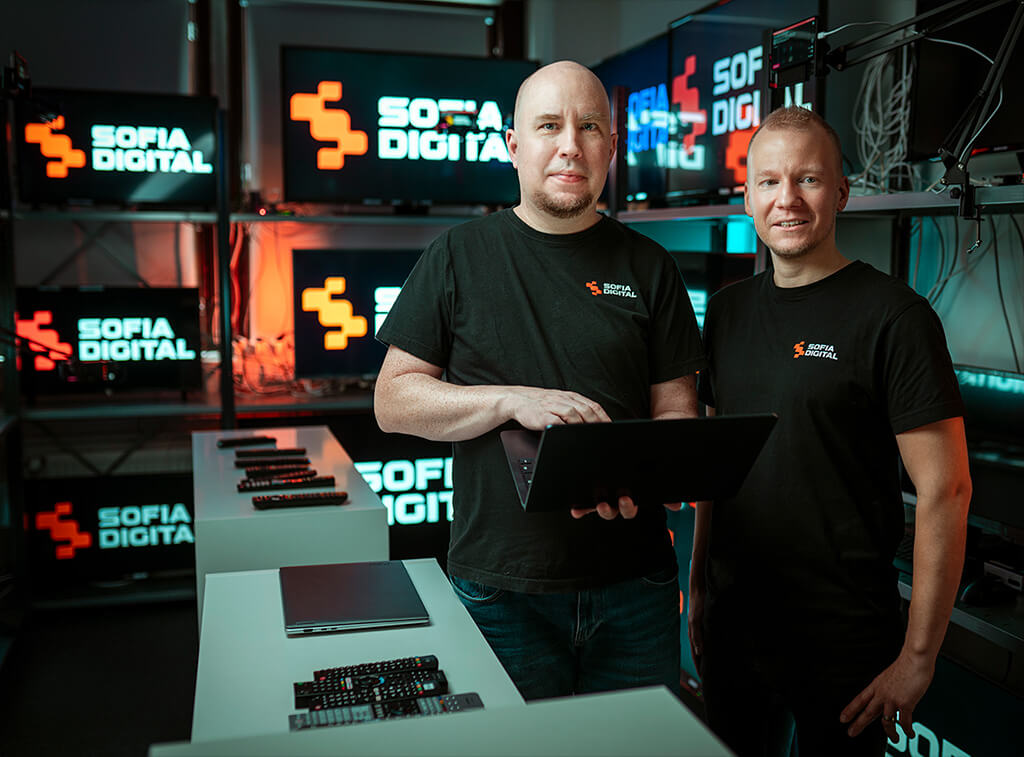
Juha Joki – director of broadcast and testing services
juha.joki@sofiadigital.com
Lasse Soininen – remote and automation testing manager
lasse.soininen@sofiadigital.com
FAQ for Smart TV app testing device lab
How many devices are enough for proper Smart TV testing?
There is no universal number. The right amount depends on your target audience, platforms and level of coverage you need. What matters is having the right mix of devices, not just a high device count.
Do I need my own Smart TV device lab?
Usually not. For most teams, building and maintaining a lab takes more time and effort than expected. A shared lab is often a more cost-effective way to get proper coverage.
Can Smart TV testing be done remotely?
Yes. Remote access allows teams to test on real devices without being physically present. It also makes the lab usable for distributed teams and external stakeholders.
When does a shared Smart TV device lab make sense?
It makes sense when you need coverage across multiple manufacturers or generations, when older devices are difficult to source, or when you want testing to stay scalable without maintaining your own lab.